We’ve all heard the statistic: “For every $1 spent on email marketing, you get $36 in return.”
It’s the most famous stat in digital marketing. It makes email sound like a magic money printer. But here is the uncomfortable truth: That is an average. And in the world of averages, a campaign that loses money and a campaign that prints millions can mathematically look like “moderate success.”
For many businesses in 2026, the reality is different. Bloated software subscriptions, inactive subscriber lists, and unused “Pro” features are silently eating away at margins. You might be paying $500/month for a tool to send emails to people who haven’t opened them in two years.
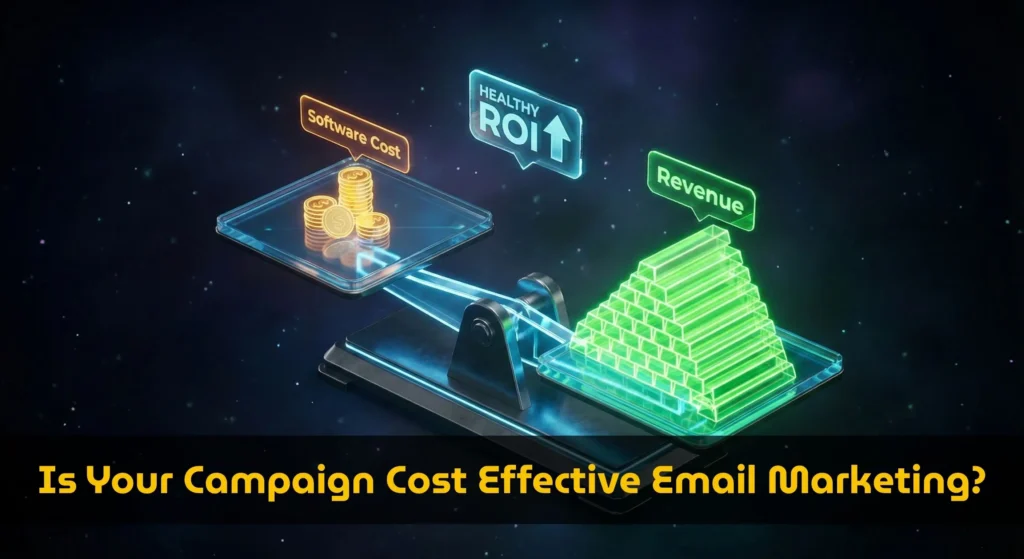
Is your strategy actually cost effective email marketing, or is it a money pit? Absolute cost (e.g., “$99/mo”) is a meaningless metric. The only metric that matters is your Cost Ratio.
Using the proprietary Profitability & Cost Calculator, we are going to audit your email stack. We will move beyond “sticker price” and look at the financial health of your campaign.
The “Cost Ratio” Metric: What is Healthy?
Our calculator introduces a unique feature: the Health Badge. Unlike standard price comparison tools, we ask you to input your Average Order Value (AOV) and Conversion Rate.
Why? Because a $1,000/month tool like HubSpot is “cheap” if it generates $100,000 in sales (1% cost). But a $50/month tool like Mailchimp is “expensive” if it generates $0 (Infinite cost).
📊 The Calculator’s “Health Logic”
When you run your numbers through our tool, an algorithm evaluates your Software Cost vs. Monthly Revenue and assigns one of three statuses:
Cost is < 5% of Revenue
Cost is 5% – 15%
Cost is > 15%
Pro Tip: If you see the Red Badge, you are over-tooled. You are paying for Enterprise features on a Startup budget.
3 Hidden Killers of Cost Effectiveness
If your calculator result shows “HIGH RISK” or “MODERATE,” one of these three silent killers is likely to blame.
1. The “Ghost Subscriber” Tax
Most Email Service Providers (ESPs) charge based on the total number of contacts on your list, regardless of whether they receive or open emails.
If you have 10,000 subscribers but only 2,000 are active, you are paying a 500% premium on your active audience.
Example: On ActiveCampaign, 10,000 contacts cost roughly $149/mo. If you cleaned your list down to the 2,000 people who actually buy, your cost drops to $39/mo.
The Fix: Use our calculator’s “Subscribers” slider. Slide it down to your active count. See how much cash you save instantly.
2. The “Shelfware” Problem (Unused Features)
Are you paying for a “Sales CRM” you don’t use? Are you paying for “Advanced Reporting” you never look at?
Our database shows massive price discrepancies based on feature gates:
- With CRM: ActiveCampaign Pro is $149/mo.
- Without CRM: Kit (ConvertKit) is $39/mo (Creator Plan).
3. The “Deliverability” Gap
Cheap tools aren’t always cost-effective. If you choose the absolute cheapest tool (e.g., a shared IP server with poor reputation), your emails land in Spam.
If your open rate drops from 20% to 10%, your revenue halves. In this case, paying more for a tool like ActiveCampaign or Kit (which have high deliverability reputations) is actually the more cost-effective move, even if the monthly bill is higher.
Case Study: The $300 vs. $3,000 Decision
Let’s simulate a scenario using the calculator:
- Scenario: Ecommerce Store with 10,000 Subs.
- Revenue: $5,000 / month.
Option A: ActiveCampaign (Pro)
Cost: ~$375/mo.
Ratio: 7.5% (MODERATE).
Option B: Mailchimp (Standard – Legacy Pricing)
Cost: ~$135/mo.
Ratio: 2.7% (HEALTHY).
The Verdict: Unless ActiveCampaign’s advanced automation is directly generating an extra $2,000/mo in sales, it is not cost-effective for this specific stage of business. The “Healthy” choice is to downgrade complexity until revenue grows.
How to Audit Your Email ROI Now
Don’t wait for your CFO to ask why the software budget is so high. Run the audit yourself.
- Open the Cost & ROI Calculator.
- Enter your Average Order Value and Conversion Rate at the bottom of the dashboard.
- Look at the Health Badge.
- If it’s RED, uncheck “Sales CRM” or reduce the “Subscribers” slider to see what it takes to turn it GREEN.
Is Your Email Strategy Healthy?
Input your revenue metrics and get an instant “Financial Health Check” for your marketing stack.
Check My ROI Badge