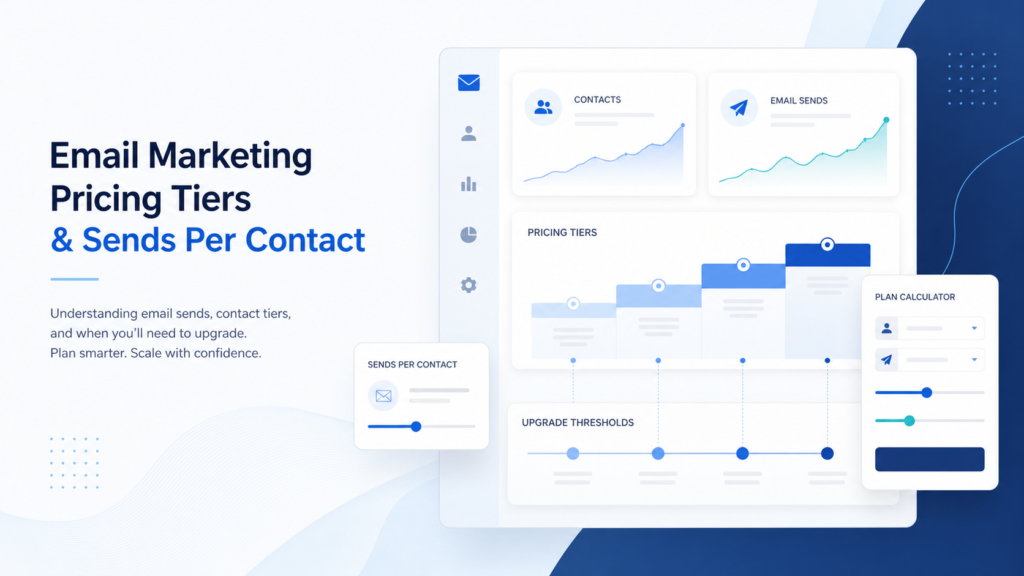
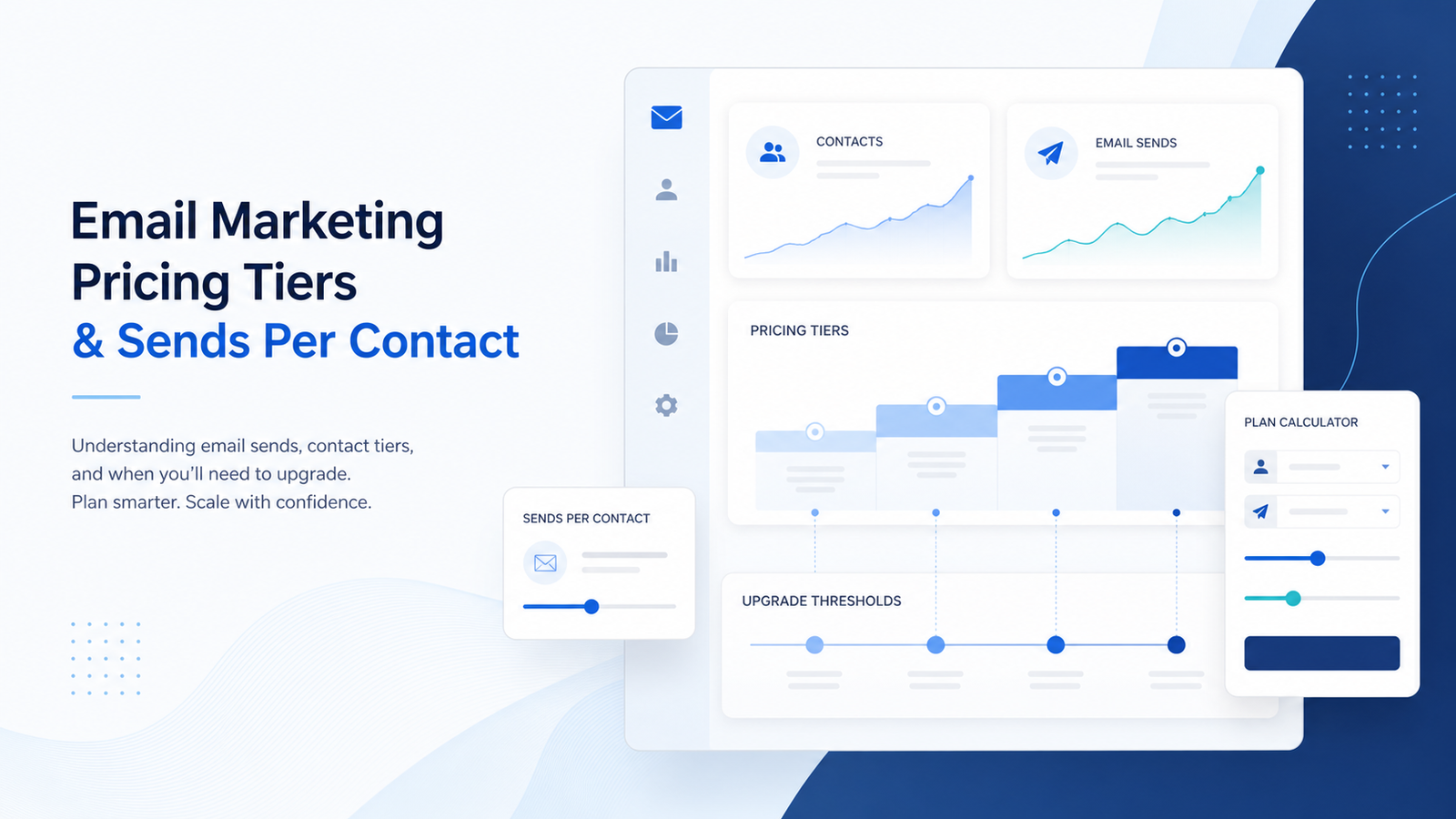
If you only compare the starter price, you can miss the real upgrade trigger. Use this guide to estimate your monthly sends, identify hidden plan limits, and then validate the numbers in the Email Marketing Cost Calculator.
Article scope
Primary keyword: sends per contact pricing tiers
Secondary keywords: email marketing pricing tiers, monthly email sends, contact-based pricing, email send limits, email marketing upgrade thresholds.
Search intent: the reader wants to understand how email platforms count contacts and sends before choosing a plan.
Target calculator: Email Marketing Cost Calculator. Target cluster: Email Marketing Pricing Hub.
Why pricing tiers are not just about list size
Many buyers start with one question: “How many subscribers do I have?” That is necessary, but it is not enough. A list of 10,000 contacts can be cheap or expensive depending on how often you email those contacts, how many automated flows you run, whether you need ecommerce reporting, and whether you need multiple team members or client permissions.
Sends per contact is the missing bridge between list size and real cost. If you have 10,000 contacts and send one newsletter to everyone four times per month, that is roughly 40,000 monthly sends before automations. If you also run welcome sequences, abandoned cart emails, post-purchase education, reactivation campaigns, product recommendations, and segmented promotions, the same list can generate a much higher send volume.
This is why email marketing pricing tiers can jump even when the public pricing table looks simple. One platform may primarily price by contacts. Another may emphasize monthly email volume. Another may have generous sends but stricter feature gates. In practice, you need to model contacts, sends per contact, and workflow requirements together.
The cost model to use before choosing a plan
Before comparing vendors, write your own usage model. The basic formula is simple:
Then add the work your marketing system must perform. Newsletter-only sending is usually predictable. Ecommerce and SaaS lifecycle programs are different because automated emails often fire based on behavior. The user may not think of those emails as campaigns, but the platform still counts them as sends or locks them behind higher automation tiers.
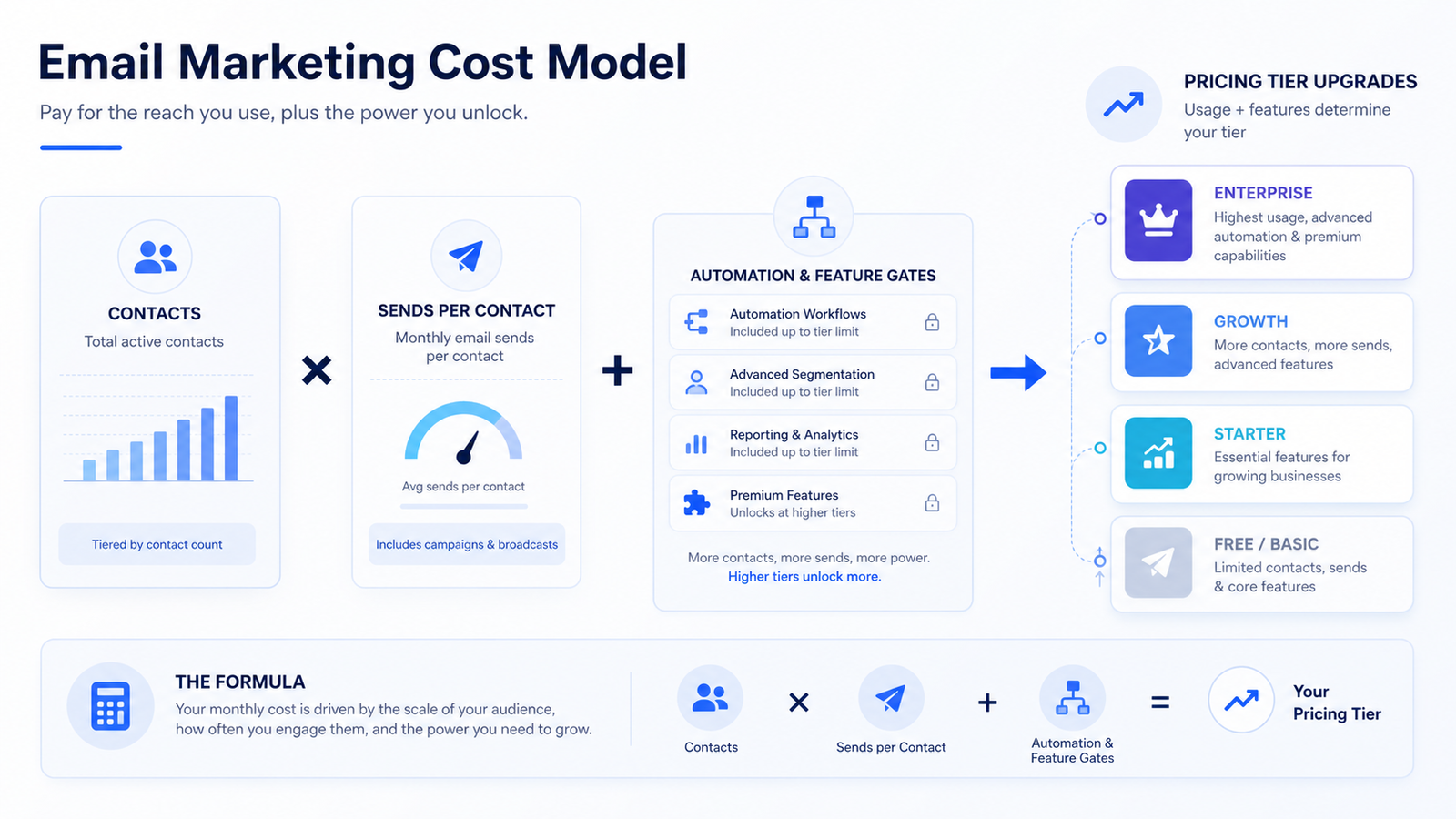
If the platform charges by contacts but limits monthly sends, send volume becomes a hidden upgrade trigger. If the platform allows generous sends but locks automation, reporting, or seats, workflow complexity becomes the upgrade trigger. If the platform is cheap for a small list but expensive at the next contact band, growth becomes the trigger. The right tier is the lowest plan that fits all three pressures, not the plan with the lowest starting price.
Email pricing tier decision table
| Cost variable | What to check | Why it changes cost | Next step |
|---|---|---|---|
| Active contacts | Stored subscribers, billable contacts, duplicate contacts, unsubscribed or bounced contact rules. | Many plans use contact bands as the base price. A list cleanup can sometimes delay a tier jump. | Model current, 12-month, and 36-month contact count. |
| Monthly sends | Campaign sends, automation sends, segmented sends, lifecycle emails, promotion bursts. | Plans may cap sends, charge overages, slow sending, or require higher tiers when volume rises. | Estimate average sends per contact, not just campaign count. |
| Automation | Welcome series, abandoned cart, lead nurture, winback, product education, segmentation logic. | Automation depth is often locked behind higher tiers even when send volume is manageable. | Map the workflows you actually need before comparing pricing pages. |
| Reporting | Revenue tracking, ecommerce reports, comparative reports, exports, attribution, dashboards. | Better reporting may require a more expensive plan, especially for teams that need performance visibility. | Decide which reports affect decisions and which are optional. |
| Team and brand | User seats, permissions, client access, brand removal, approval workflows, support level. | Teams and agencies often upgrade before they hit contact or send limits. | Include seats and brand removal in the calculator. |
| Growth path | Expected list growth, seasonal sending, product launches, sales campaigns. | A tier that works this month may fail during a campaign-heavy quarter. | Run a conservative growth scenario before annual billing. |
Three buyer scenarios that produce different costs
The same contact count can require different plans. That is why comparing “10,000 contacts” across tools is often too shallow. Your business model changes the sends per contact, the automation requirements, and the reporting threshold.
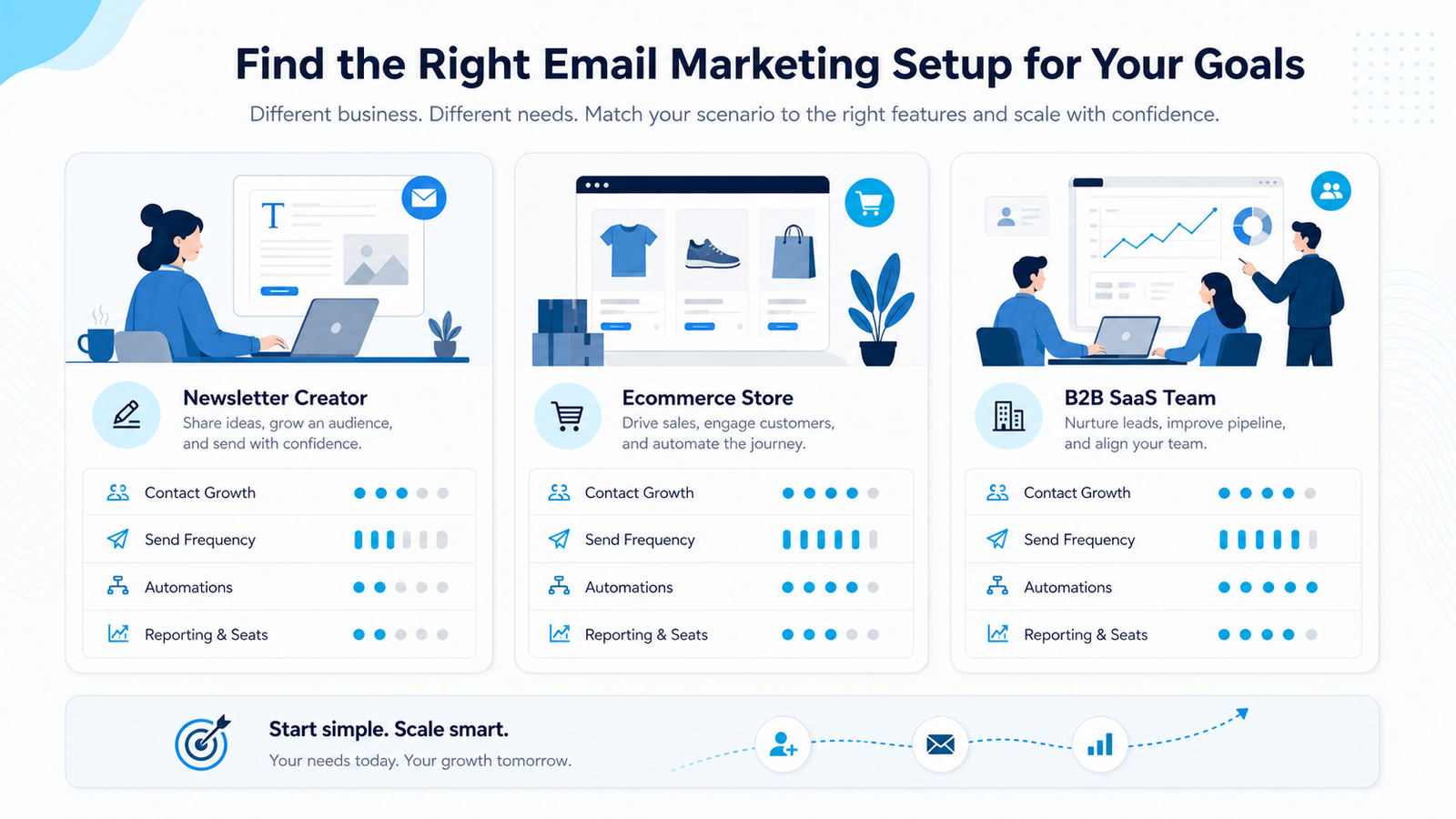
Newsletter creator
A creator with 8,000 contacts and four broadcasts per month has about 32,000 monthly sends before automations. The main risk is list growth, brand removal, and basic reporting. A simple plan can work if automation is limited.
Ecommerce store
An ecommerce store with the same 8,000 contacts may run newsletters, abandoned cart flows, post-purchase flows, product recommendations, back-in-stock alerts, and winback campaigns. Sends per contact can rise quickly.
B2B SaaS team
A B2B SaaS team may have fewer contacts but need CRM sync, lead scoring, lifecycle automation, multi-seat access, and reporting. The pricing tier can jump because of features rather than send volume.
How to compare official pricing pages without getting misled
Use official pricing pages as evidence, but do not treat the first visible price as your final cost. Review plan selectors and limits on Mailchimp pricing, check subscriber and monthly email rules on MailerLite pricing, and compare volume-based plan logic on Brevo pricing. These pages show why the same list size can produce different costs depending on sends, features, and plan boundaries.
The safer approach is to create your own usage model first, then compare each vendor against that model. If you start with vendor pricing cards, you will naturally compare their cheapest assumptions. If you start with your own contact count, send frequency, automation map, reporting needs, and team requirements, the right pricing tier becomes clearer.
Checklist before you pick an email marketing tier
Usage checklist
- Estimate active contacts now, in 12 months, and in 36 months.
- Calculate sends per contact for newsletters, automations, and segmented campaigns.
- Check whether monthly email sends are capped, overage-based, or included in the plan.
- Estimate seasonal spikes, product launches, and high-frequency promotion periods.
Feature checklist
- List required automations before comparing tools.
- Confirm reporting, exports, ecommerce data, and attribution needs.
- Count team seats, permissions, client access, and approval workflows.
- Use the Email Marketing Pricing Packages Guide to understand plan language.
If your scenario is creator, ecommerce, B2B, or agency-driven, also read the Email Marketing Cost Comparison. It explains why the best plan is not always the cheapest plan for your first month.
Calculate the tier you are likely to need
Enter contacts, sends, billing period, team needs, and feature requirements to estimate a more realistic email marketing cost.
FAQ
What does sends per contact mean in email marketing pricing?
It is the average number of emails each active contact receives during a billing period. Multiply active contacts by average monthly sends per contact to estimate monthly email volume.
Why can email marketing pricing tiers jump even if my list is small?
The jump can come from automation, reporting, seats, ecommerce features, CRM integration, brand removal, or support level. Contact count is only one pricing variable.
Is contact-based pricing better than send-based pricing?
Not always. Contact-based pricing can be predictable for steady newsletters. Send-based pricing may work for large lists with low send frequency. High-frequency automations can make either model expensive.
How many sends per contact should I budget for?
A simple newsletter might need four to eight sends per contact per month. Ecommerce or SaaS lifecycle marketing can be much higher once automated flows and segmentation are included.
What should I do after estimating sends per contact?
Run the Email Marketing Cost Calculator, then compare the result with the Email Marketing Pricing Hub and the pricing packages guide.