This is a neutral comparison page for the Email Marketing Pricing cluster. Use it to narrow the choice, then validate the cost with the Email Marketing Cost Calculator. For the full topic path, start from the Email Marketing Pricing Hub.
Article scope
Primary keyword: MailerLite vs Mailchimp
Secondary keywords: MailerLite pricing, Mailchimp pricing, MailerLite vs Mailchimp pricing, email marketing automation comparison, Mailchimp vs MailerLite for small business.
Search intent: the reader wants a practical, brand-level comparison before choosing an email marketing platform.
Target calculator: Email Marketing Cost Calculator. Target cluster: Email Marketing Pricing Hub.
How to compare MailerLite and Mailchimp without getting distracted by starter prices
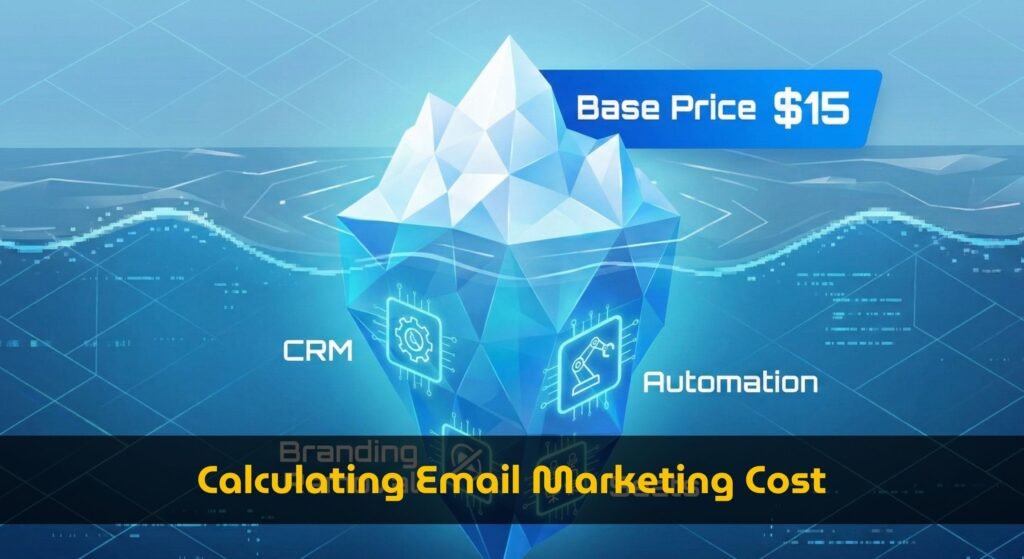
The wrong way to compare MailerLite vs Mailchimp is to look at the first visible monthly price and choose the cheaper card. Email marketing cost changes when list size grows, when sends per contact increase, when automation gets more complex, when you need reporting, and when a team needs seats or permissions. A plan that looks cheaper at 500 contacts may not be cheaper once you add automations, ecommerce flows, branding removal, and a realistic 12-month growth path.
Use official pages as the source of truth for live plan details. MailerLite describes plans around subscribers, monthly email volume, automation, websites, forms, seats, and support on its pricing page. Mailchimp presents Premium, Standard, Essentials, and Free tiers on its marketing pricing page, with contact ranges, plan features, and trial/discount messaging. Because pricing pages change, this comparison focuses on decision variables rather than hard-coded dollar amounts.
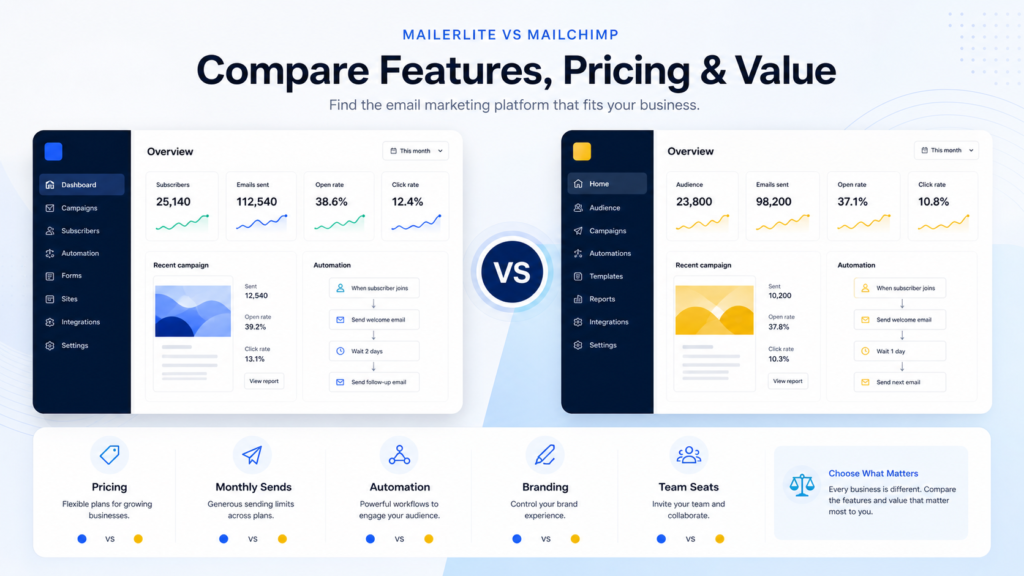
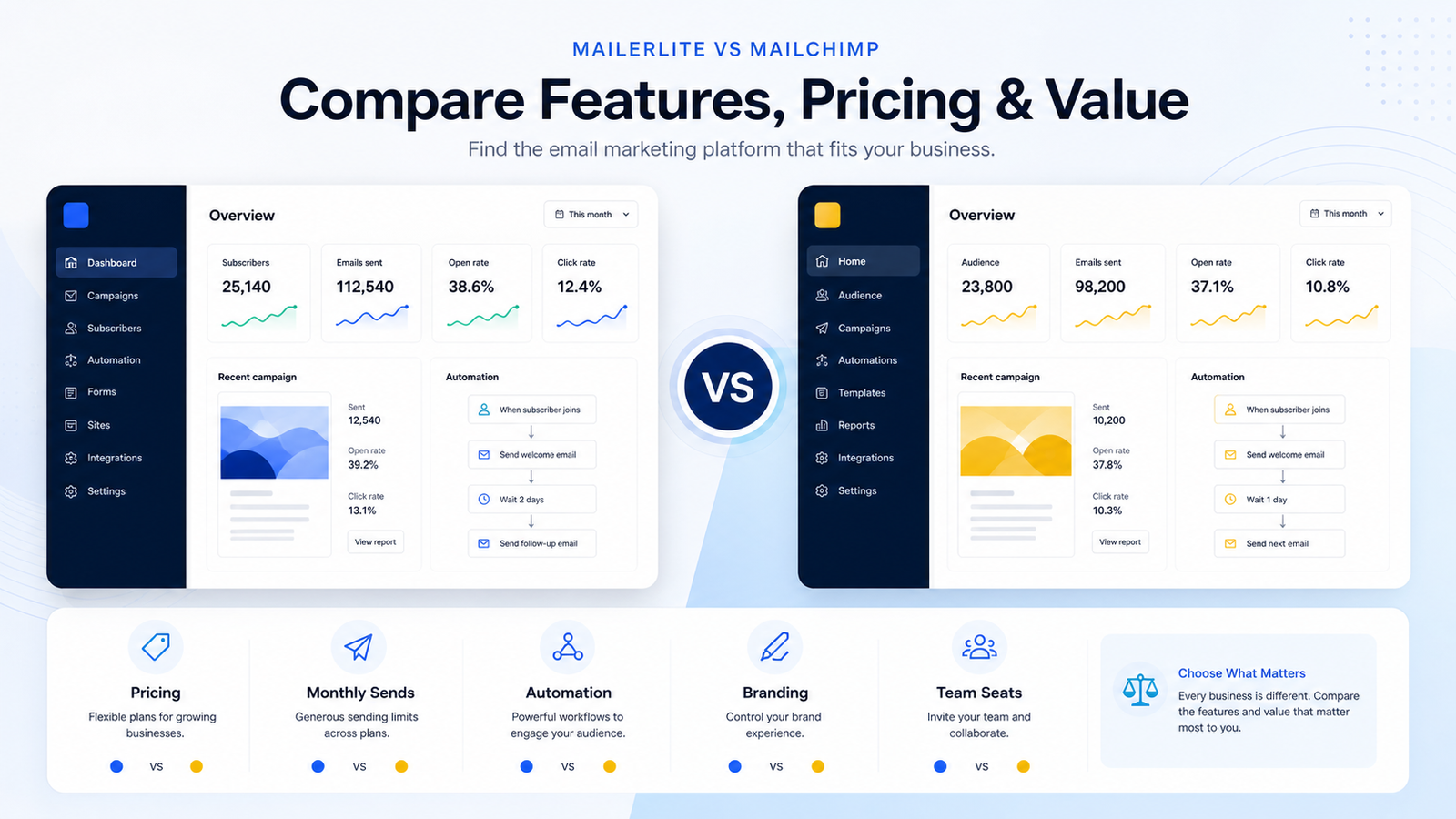
For TrueSaaSCost, the practical question is not “which brand is better?” It is “which cost structure fits your workflow?” That means comparing pricing, send limits, automation, branding, team seats, reporting, ecommerce needs, and long-term scaling.
MailerLite vs Mailchimp comparison table
| Decision factor | MailerLite | Mailchimp | What to check before choosing |
|---|---|---|---|
| Pricing model | Subscriber and usage-oriented plans; official page emphasizes usage, subscribers, monthly emails, and plan limits. | Tiered marketing platform plans with contact ranges and feature differences across Free, Essentials, Standard, and Premium. | Model current contacts, 12-month list growth, and annual billing assumptions. |
| Monthly sends | Free and paid plans differ by subscriber count and monthly email rules; paid plans may offer generous sending depending on tier. | Plans are tied to contact levels and send allowances or plan limits, so list size and send frequency both matter. | Calculate sends per contact, not just newsletter frequency. |
| Automation | Strong fit for users who want straightforward automations, forms, landing pages, and newsletters without excessive complexity. | Often stronger for broader marketing workflows, ecommerce journeys, segmentation, and advanced platform needs. | List the actual flows: welcome, cart, post-purchase, winback, lead nurture. |
| Branding removal | Check which plan removes MailerLite branding and whether your list size changes the plan needed. | Check which Mailchimp plan removes or limits Mailchimp branding and how that interacts with your contact tier. | If brand experience matters, do not compare only free or starter tiers. |
| Team seats | Some plans include more generous seat rules; official plan table should be checked for current limits. | Seats, roles, and permissions can vary by tier and may matter for teams, agencies, and clients. | Count every person who needs access before estimating cost. |
| Best fit | Creators, newsletters, small teams, simple automation, and buyers who value a simpler pricing structure. | Teams that want broader marketing platform capabilities, ecommerce depth, segmentation, and more advanced workflows. | Run your scenario in the calculator instead of relying on generic recommendations. |
Best fit by scenario
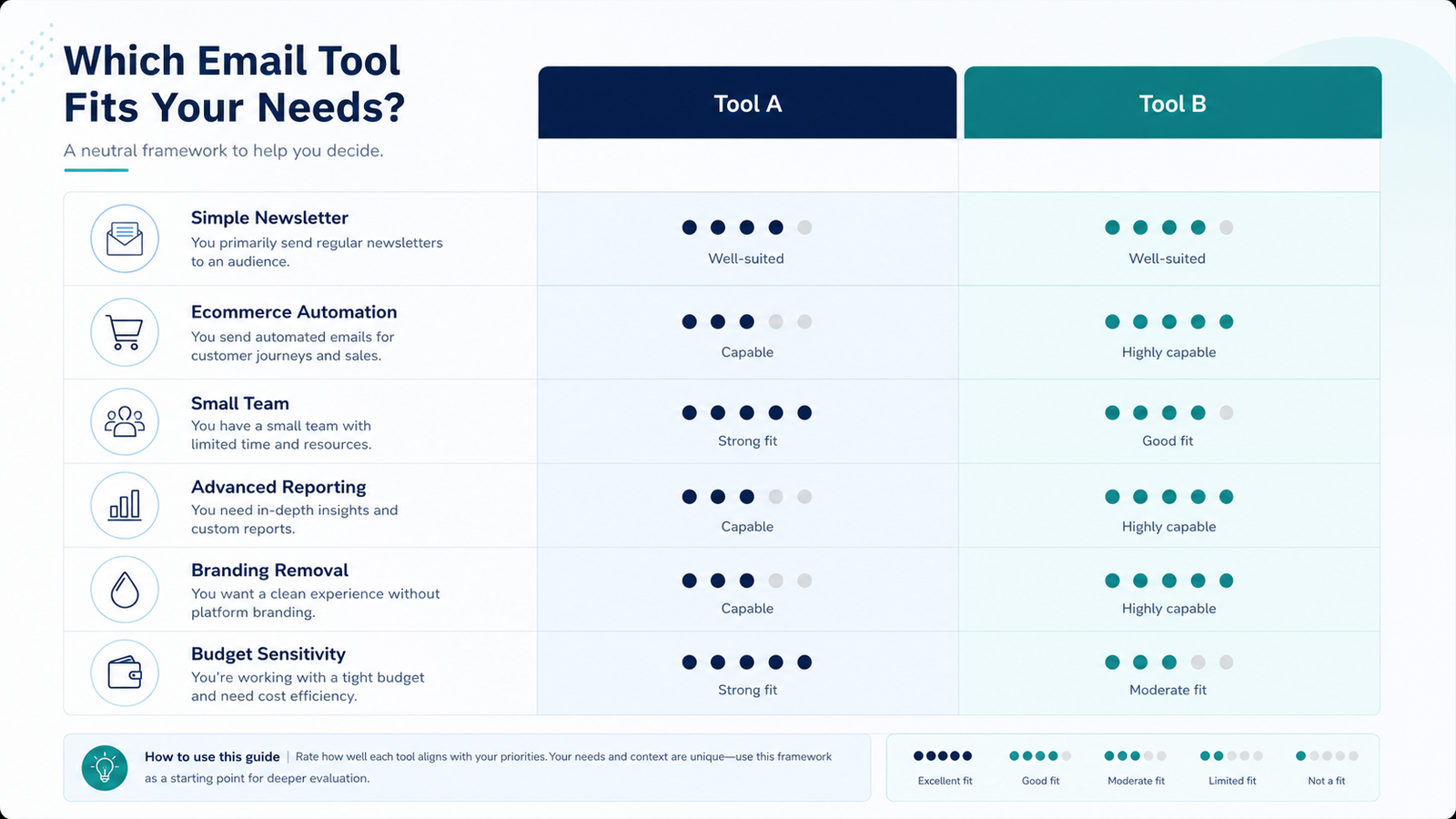
A brand comparison is only useful if it maps to a buyer scenario. A newsletter creator, an ecommerce store, a B2B SaaS team, and a marketing agency create different cost pressure. They may have the same number of contacts but very different sends per contact, automation depth, team needs, reporting requirements, and brand expectations.
Newsletter creator
MailerLite is often the cleaner starting point if the job is newsletters, forms, basic landing pages, and predictable sends. Mailchimp can still work, but you should verify whether the extra platform depth is useful enough to justify plan complexity.
Ecommerce store
Mailchimp may be more attractive when ecommerce journeys, segmentation, audience insights, and marketing workflows matter. MailerLite can still fit smaller stores with simpler flows, especially when ease of use and predictable sending are priorities.
B2B SaaS or small team
The deciding factor is usually workflow depth. If you need lifecycle automation, CRM-style segmentation, reporting, and several users, compare the plan where those features actually unlock, not the entry price.
Cost traps to check before switching
The first trap is contact growth. A tool can look inexpensive until you cross the next contact band. The second trap is send volume. A monthly newsletter is not the same as a store with cart recovery, product recommendations, winback flows, and launch campaigns. The third trap is feature gating. Automation, reporting, ecommerce, templates, custom branding, and users can push you into a higher tier before contact count does.
If you are comparing MailerLite vs Mailchimp because of price, first read the sends per contact and pricing tiers guide. It explains why monthly sends and plan gates matter as much as list size. If you are comparing by use case, read the Email Marketing Cost Comparison. If you need broader plan language, use the Email Marketing Pricing Packages Guide.
Decision checklist
Choose MailerLite first if…
- You mostly send newsletters and simple automations.
- You want a simpler pricing and feature evaluation process.
- You value landing pages, forms, websites, and creator-friendly workflows.
- Your team is small and you want to avoid excessive platform complexity.
Choose Mailchimp first if…
- You need a broader marketing platform rather than a simple newsletter system.
- You rely on ecommerce journeys, audience segmentation, or advanced reporting.
- You have a team that can use the additional platform depth.
- You are already connected to Mailchimp workflows and switching cost is high.
Validate the real cost before choosing
Enter your contacts, sends, billing period, team seats, automation needs, and branding requirements to estimate which email platform cost structure fits your workflow.
FAQ
Is MailerLite cheaper than Mailchimp?
It can be, especially for simpler newsletter and small-team workflows, but the answer depends on contacts, monthly sends, required features, branding, and billing period. Use current official pricing pages and run your own scenario before deciding.
Which is better for ecommerce, MailerLite or Mailchimp?
Mailchimp may be stronger for broader ecommerce marketing and audience workflows. MailerLite can still fit smaller ecommerce stores with simpler automations. The deciding factor is the exact journey depth you need.
Which is better for newsletters?
MailerLite is often a strong fit for newsletter creators who want a simpler toolset, forms, landing pages, and straightforward automation. Mailchimp can work for newsletters too, but may be more platform than a simple newsletter operator needs.
Should I switch from Mailchimp to MailerLite?
Only switch if the cost savings or workflow simplicity outweigh migration work, template rebuilding, automation changes, list cleanup, and reporting differences. Run your current and 12-month scenario before switching.
What should I compare besides price?
Compare monthly sends, automation depth, contact growth, reporting, ecommerce needs, landing pages, forms, seats, permissions, branding removal, and support. Price is only useful after the workflow is clear.